 OpenAi-HK
RealTime Voice Conversation Service
- 2024.10.10 This site now supports the real-time voice service: Realtime
- Realtime lets you talk to ChatGPT just like a real friend
- The corresponding model for Realtime is
gpt-4o-realtime-preview - To use it, visit https://realtime.ddaiai.com — see the
Online Testsection below
Billing Rules
- Voice queries (approximately 10x the cost of gpt-4-turbo): $100.00/1M input tokens, $200.00/1M output tokens
- Text queries (approximately half the cost of gpt-4-turbo): $5.00/1M input tokens, $20.00/1M output tokens
Sample Videos
Online Test — Desktop
- Open https://realtime.ddaiai.com
- Your computer must have a recording device. Mac computers work well; Windows results may vary.
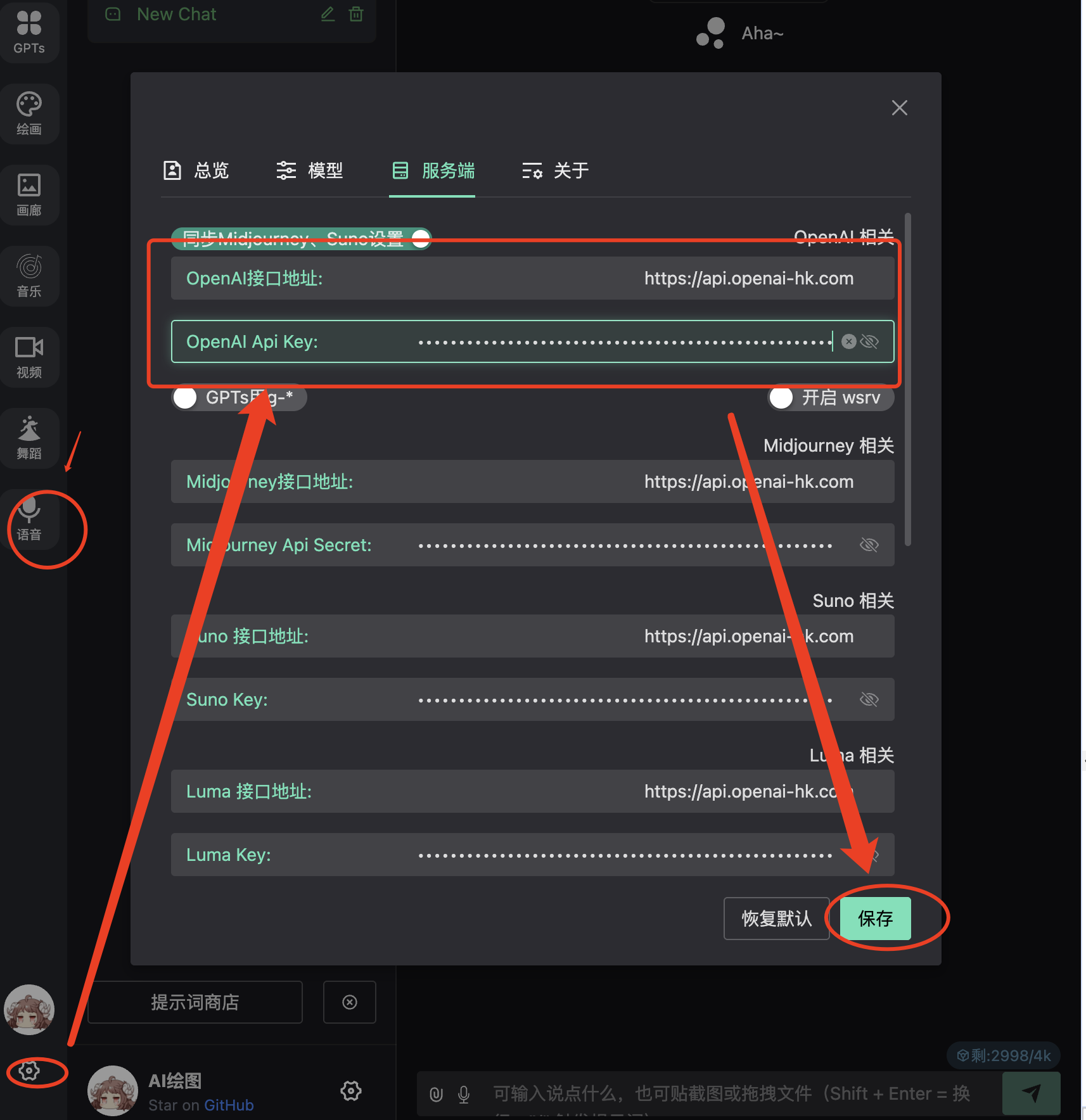
- Configure the fields shown in the screenshot below
- OpenAi API Base URL: https://api.openai-hk.com
- OpenAi KEY: hk-your-apiKey
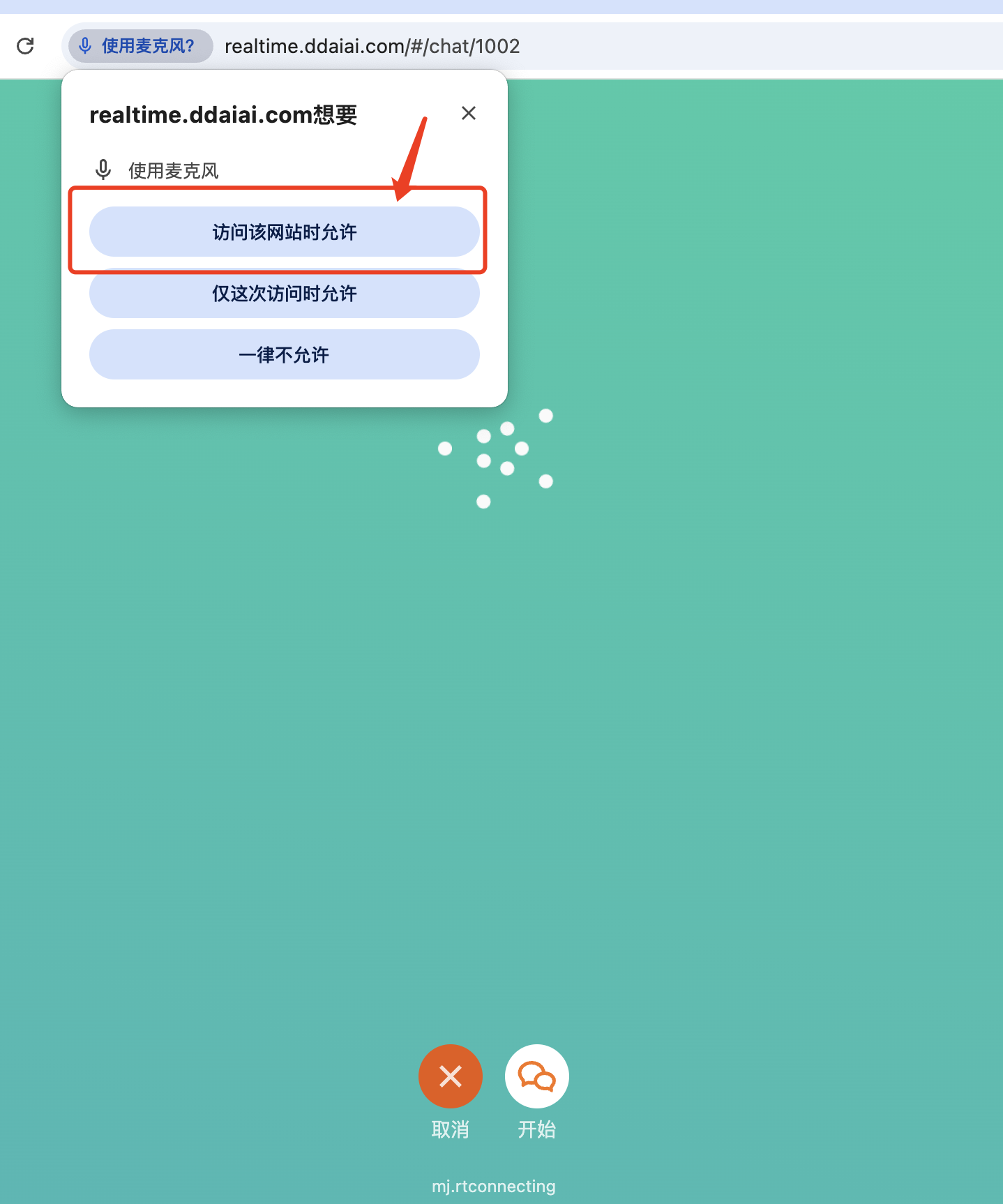
- On first use, you may be asked to grant microphone permission — click "Allow"
- Click the voice button. If everything is working, you can start talking

Online Test — Mobile
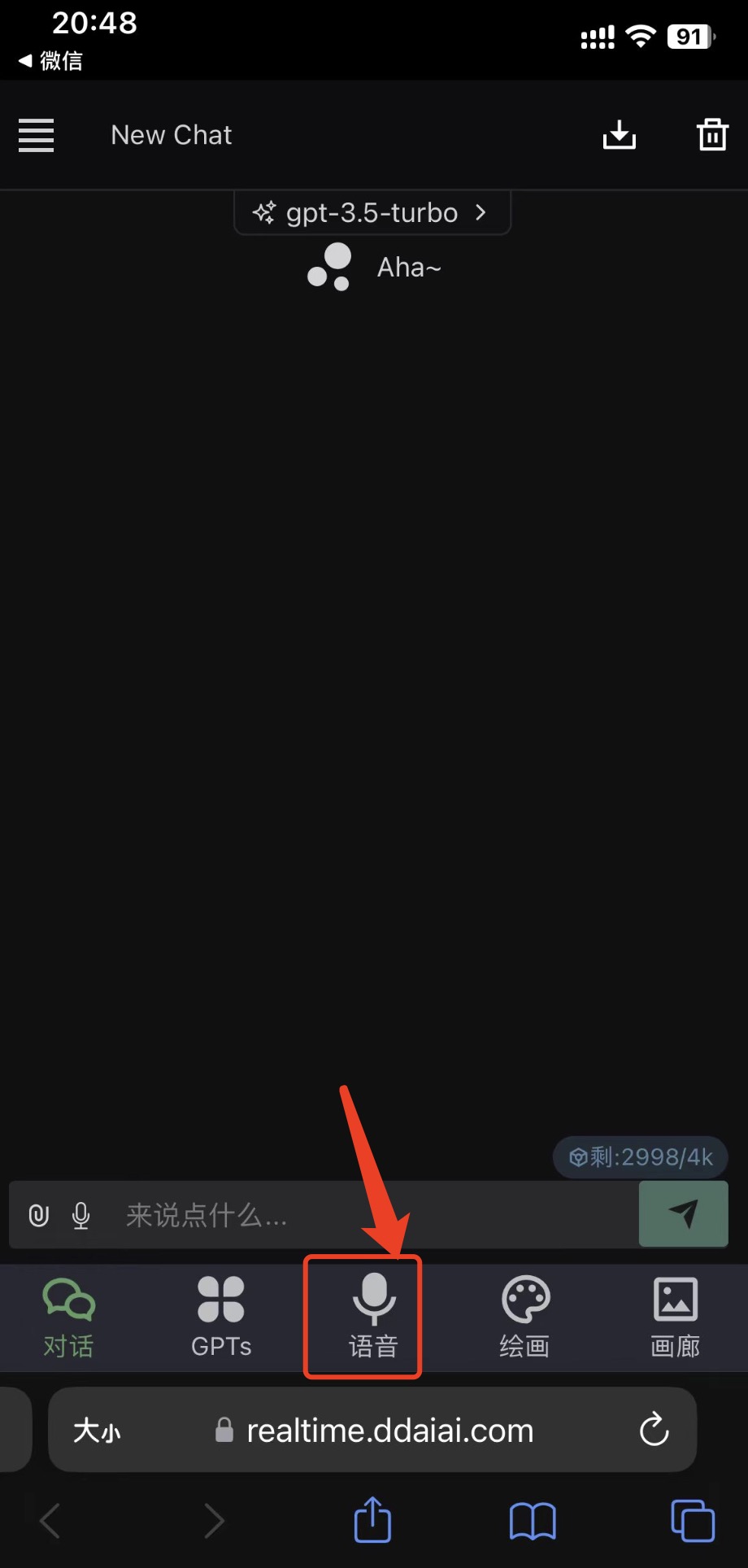
Open https://realtime.ddaiai.com and tap "Voice"
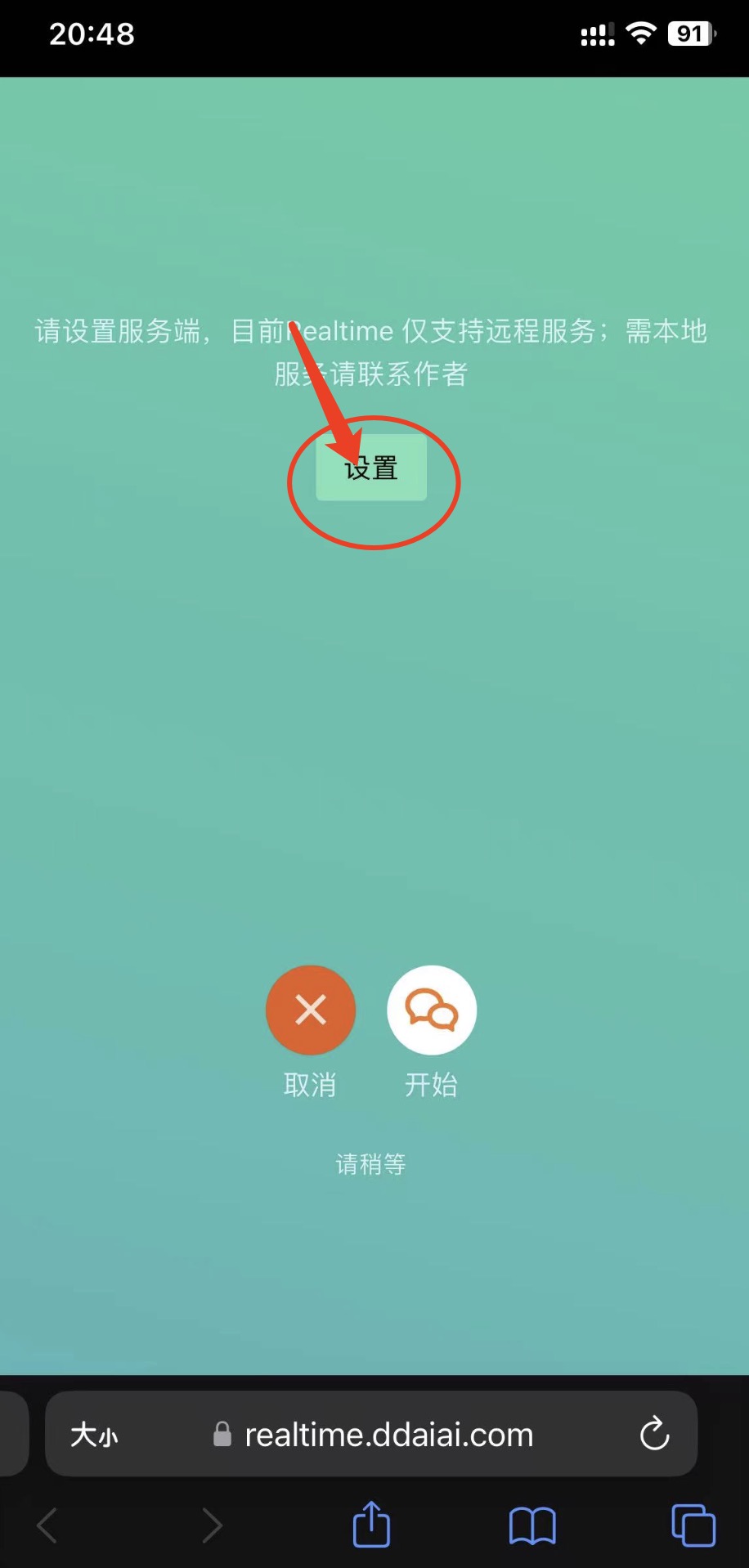
On first use, go to "Settings"
Configure the fields shown in the screenshot below
OpenAi API Base URL: https://api.openai-hk.com
OpenAi KEY: hk-your-apiKey
Save after configuring
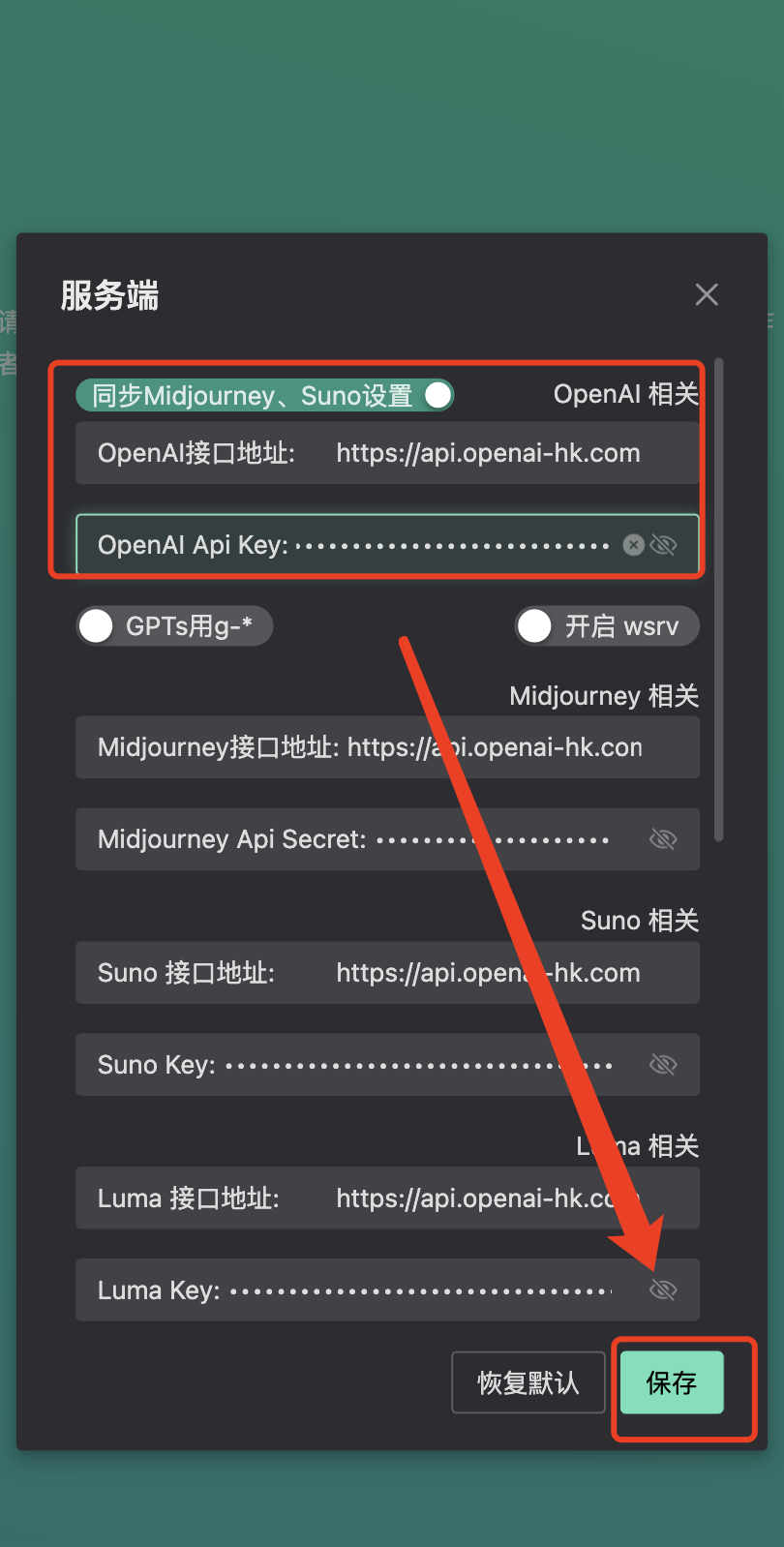
On first use, you may be asked to grant microphone permission — tap "Allow"
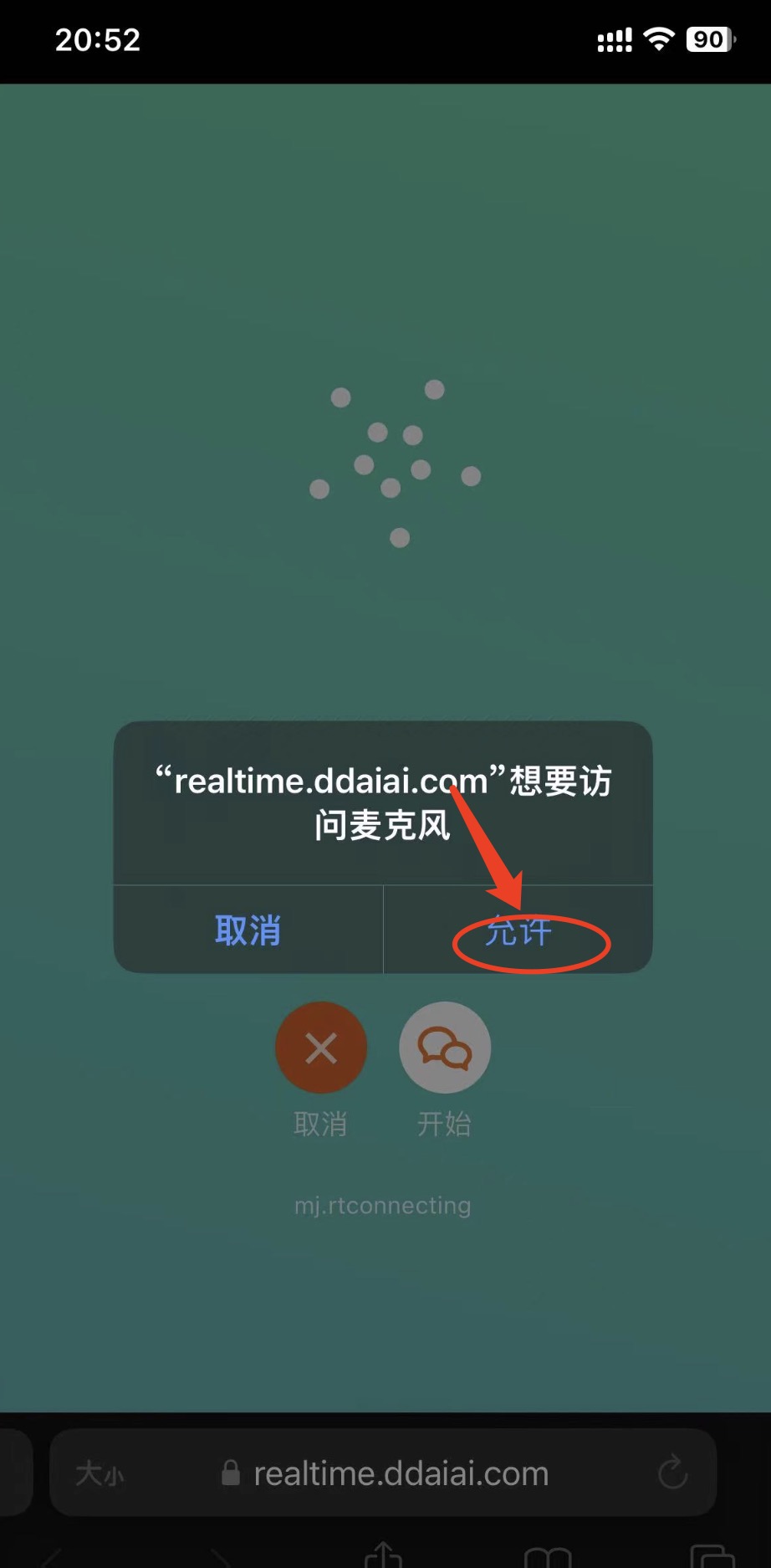
Tap "Allow". If everything is working, you can start talking

API Service
- Refer to the official documentation at https://platform.openai.com/docs/guides/realtime/overview
- Official SDK https://github.com/openai/openai-realtime-api-beta does not support relay
- Official SDK DEMO https://github.com/openai/openai-realtime-console
- Relay-compatible SDK https://github.com/dooy/openai-realtime-api-beta
- Relay debug tool https://vercel.ddaiai.com/#/wav/index