 OpenAi-HK
gpt-4-all and GPTS Multimodal
gpt-4-all
Combines the official GPT-4, web browsing, and image generation (dall-e3). Limitations include no support for function calling, etc.
GPTS Multimodal
- Major update: GPTs series is now supported — you can call any app from the GPT Store.
- Model name: gpt-4-gizmo-(gizmo_id)
- Example: DALL·E has the id g-2fkFE8rbu, so set the model to gpt-4-gizmo-g-2fkFE8rbu to call it
Notes
Notes on gpt-4-all and GPTs recognizing image and file links:
- Links should ideally be on their own line
- If a link is at the end of a sentence, add an extra space after it (e.g.: https://www.openai-hk.com add a few spaces — usually one space is enough; links must be clearly separated from surrounding text)
Billing
gpt-4-allandgpt-4-gizmo-xxxare billed per request at 2000 credits each- Uploading files or images costs 100 credits (max 20MB); files are deleted periodically (no file fee if self-hosted)
gpt-3.5-netis priced the same asgpt-3.5-turbo
Online Test
Note
- Visit https://gpts.ddaiai.com/ (If blocked, try changing the subdomain prefix to
suibian)
2. If it is blocked, you can change the address yourself: replacesuibianinhttps://suibian.ddaiai.comwith something else, e.g.https://2024.ddaiai.com— all variations work
3. Select the corresponding GPTs application
Settings
Then configure the following fields in the screenshot below
OpenAi API Base URL: https://api.openai-hk.com
OpenAi API KEY: hk-your-apiKey
Then configure the following fields in the screenshot below
OpenAi API Base URL: https://api.openai-hk.com
OpenAi API KEY: hk-your-apiKey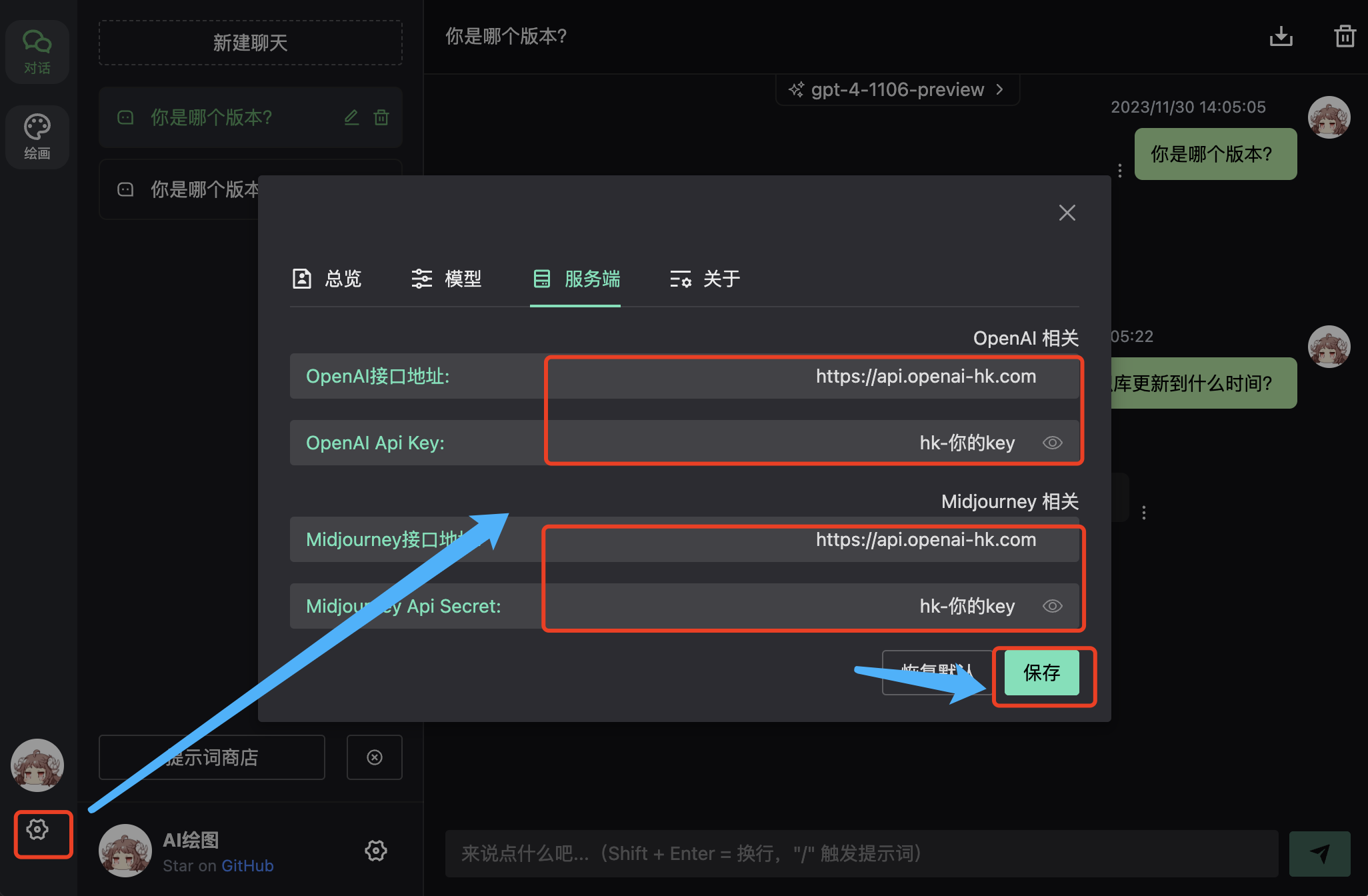
Preview
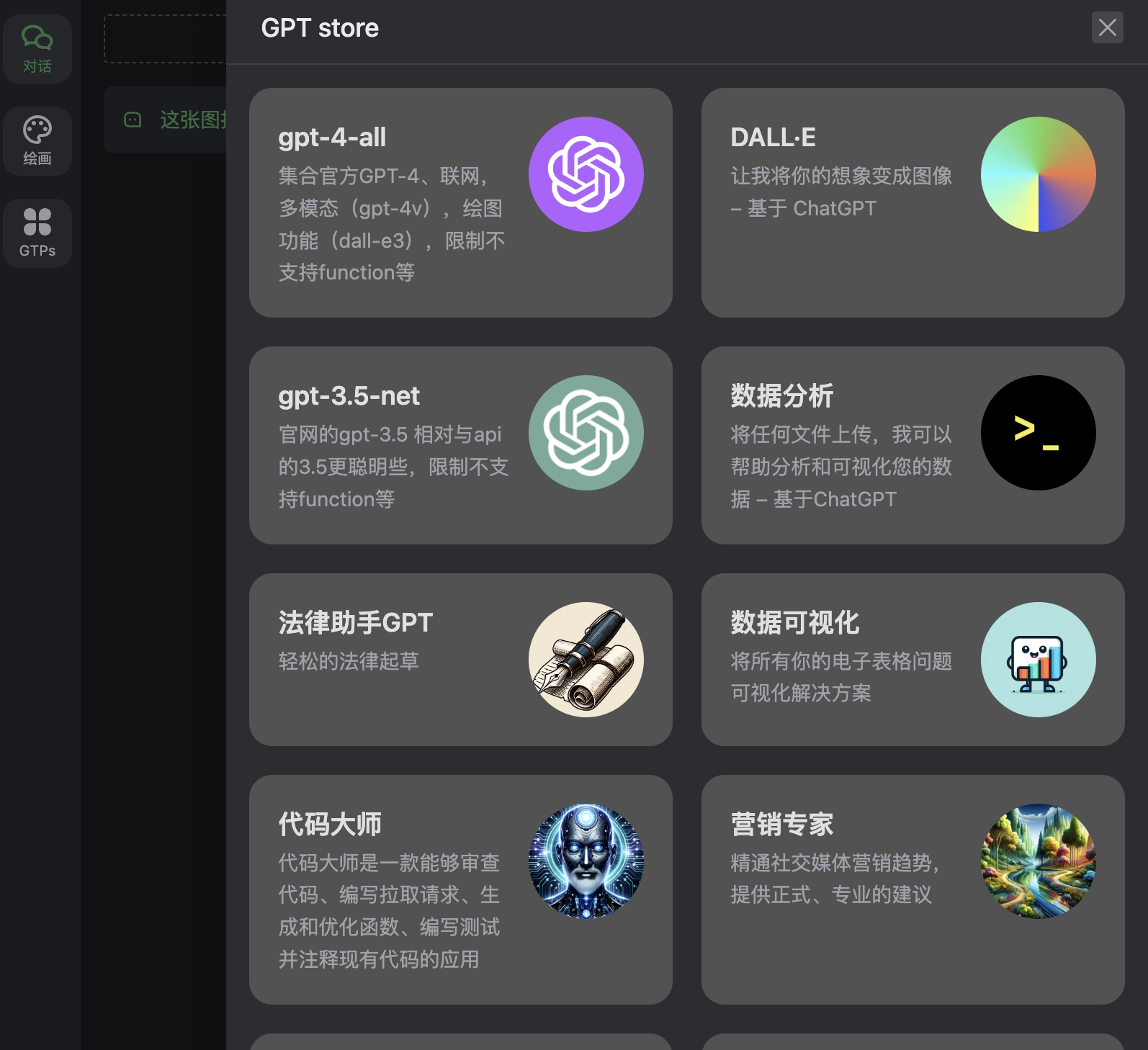 Select
 DALL·E to get 2 images per request 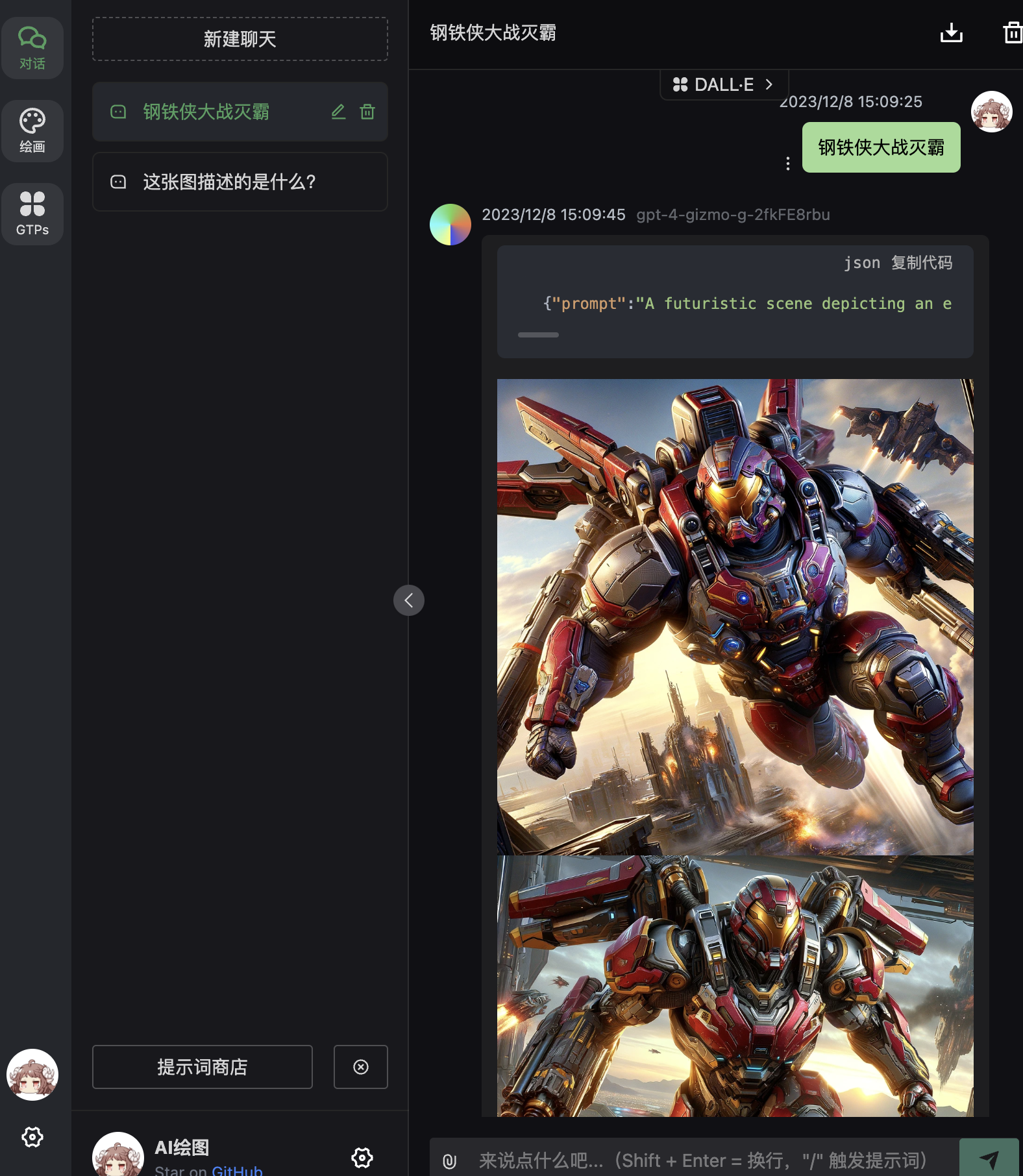 Select
 gpt-4-all to help you build webpages and more. If the result is unsatisfactory, try the gpt-4-version-preview model 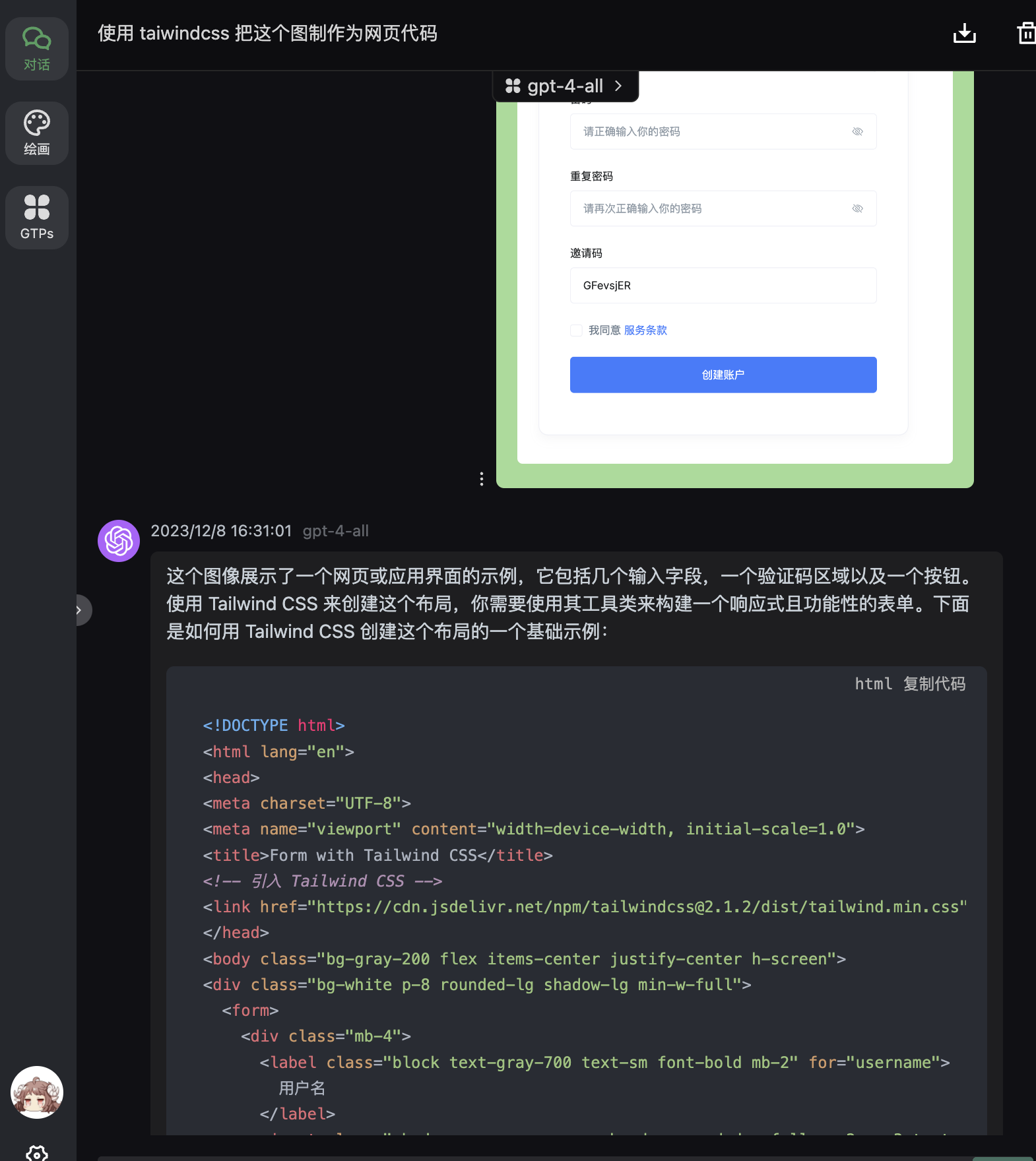
Docker Deployment
shell
docker pull ydlhero/chatgpt-web-midjourney-proxy
docker rm -f chatgpt-web-midjourney-proxy

docker run --name chatgpt-web-midjourney-proxy  -d -p 6080:3002 --restart=always \
-e OPENAI_API_KEY=key-secret \
-e OPENAI_API_BASE_URL=https://api.openai-hk.com  \
-e MJ_SERVER=https://api.openai-hk.com  \
-e MJ_API_SECRET=key-secret \
-e API_UPLOADER=1  -v /data/uploads:/app/uploads \
-e AUTH_SECRET_KEY=access-password ydlhero/chatgpt-web-midjourney-proxy
docker pull ydlhero/chatgpt-web-midjourney-proxy
docker rm -f chatgpt-web-midjourney-proxy
docker run --name chatgpt-web-midjourney-proxy -d -p 6080:3002 --restart=always \
-e OPENAI_API_KEY=key-secret \
-e OPENAI_API_BASE_URL=https://api.openai-hk.com \
-e MJ_SERVER=https://api.openai-hk.com \
-e MJ_API_SECRET=key-secret \
-e API_UPLOADER=1 -v /data/uploads:/app/uploads \
-e AUTH_SECRET_KEY=access-password ydlhero/chatgpt-web-midjourney-proxyVisit http://ip:6080 — the IP must be a public IP, otherwise uploaded files cannot be read by chatgpt